> For the complete documentation index, see [llms.txt](https://usermanual.doctranslate.io/llms.txt). Markdown versions of documentation pages are available by appending `.md` to page URLs; this page is available as [Markdown](https://usermanual.doctranslate.io/pdf-tools/compress-image.md).
# Compress Image
**Compress Image** shrinks an image's file size while keeping it usable — right in your browser, no account required.
### **How to Use**
The process is simple and consists of three basic steps:
#### **Step 1: Upload Your File**
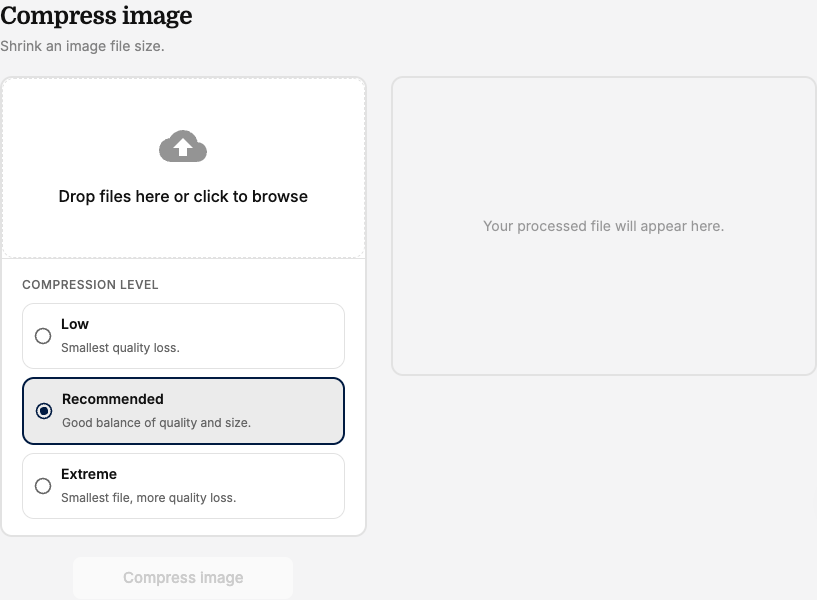
* Go to **Image Tools** and select **"Compress image."**
* Drag and drop an image into the upload area, or click to browse your computer.
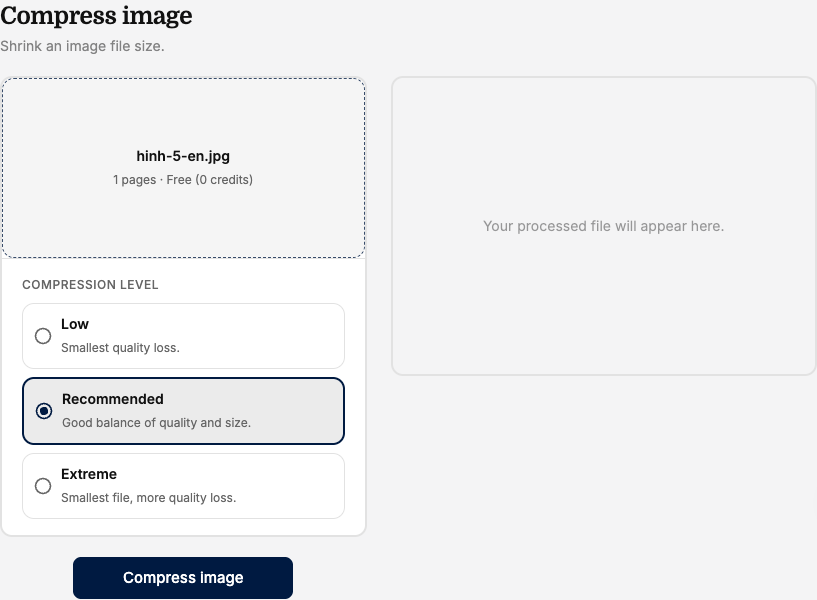
#### **Step 2: Choose a Compression Level**
* Select a **Compression level**, from lighter compression with higher quality to **Extreme** (smallest file, more quality loss).
#### **Step 3: Compress and Download**
* Click **"Compress image."**
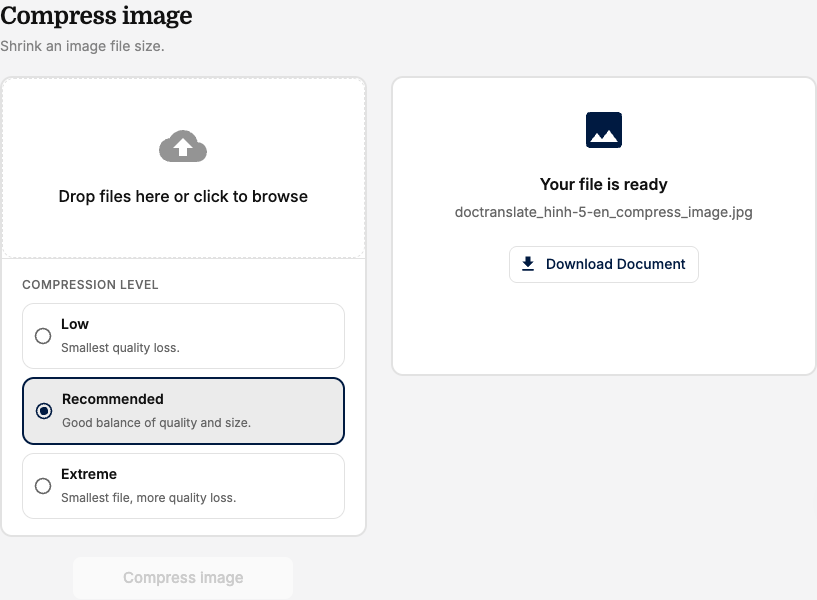
* Once processing is complete, click **"Download Document"** to save the compressed image to your device.
***
*📌 **Note:** Compress Image is completely free and does not require an account.*